



ICN Lab Sharing Session ICampN 2026
22 Oktober 2026 • ~5 min read
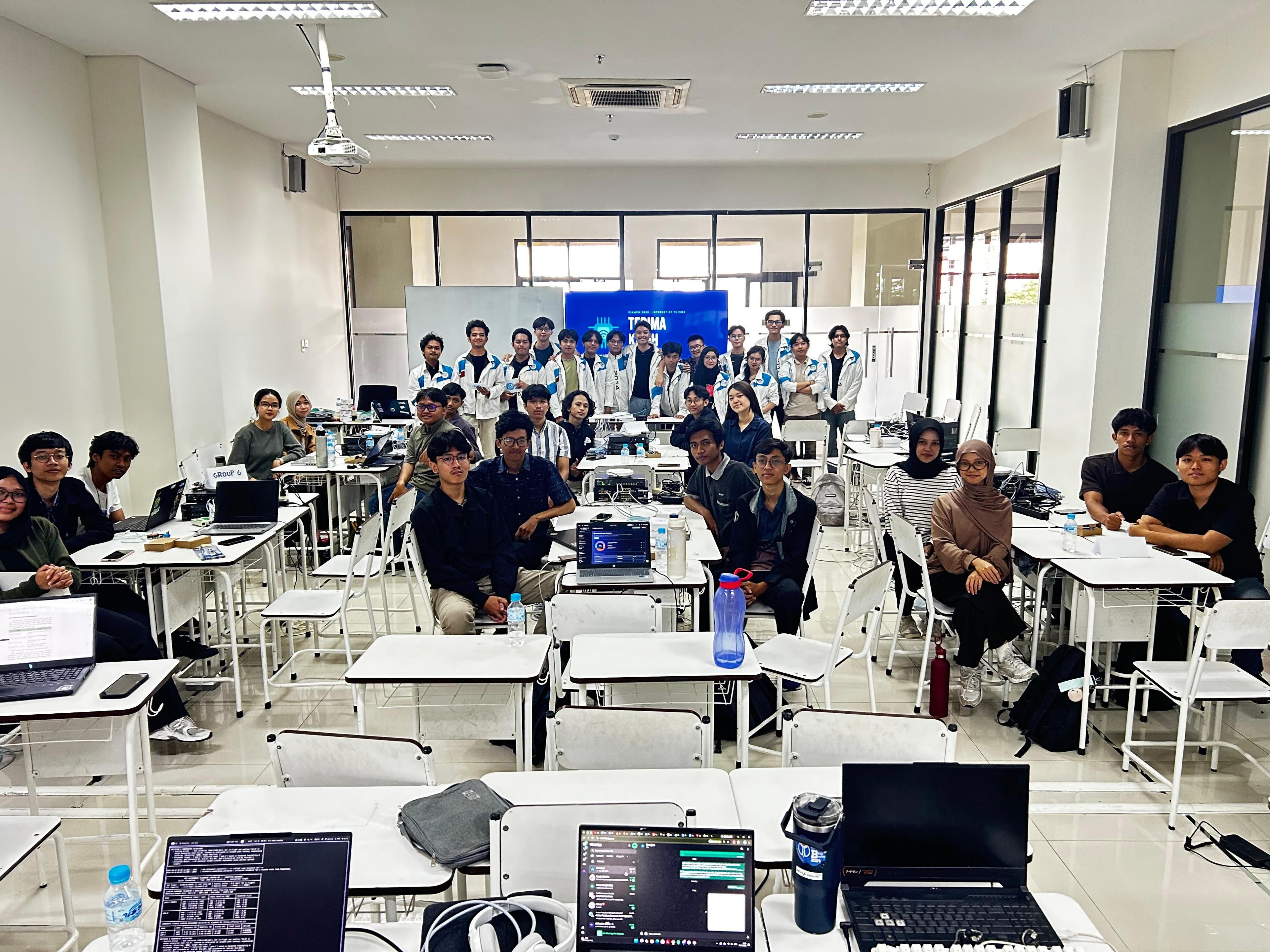
On 17-18 October, the ICampN Sharing Session 2026 brought together 24 students from across various majors for two days of hands-on learning at F4.1 FILKOM UB. Organized by the Information Centric Networking Laboratory (ICN Lab), the event covered everything from crimping a UTP cable to visualizing live sensor data on a dashboard.
Participants were split into 6 groups of 4 people, each guided by a teaching assistant. The sessions were led by Muhammad Ghazy Humaidi on network deployment, Sulthan Rafi Putra Sukma on virtualization, and Iqbal Ahmad Faizin on IoT.
Over two days, the groups built a network from scratch, hosted their own virtual machines on it, and finished by creating an IoT solution for a real-life problem.
Day 1: Network Deployment
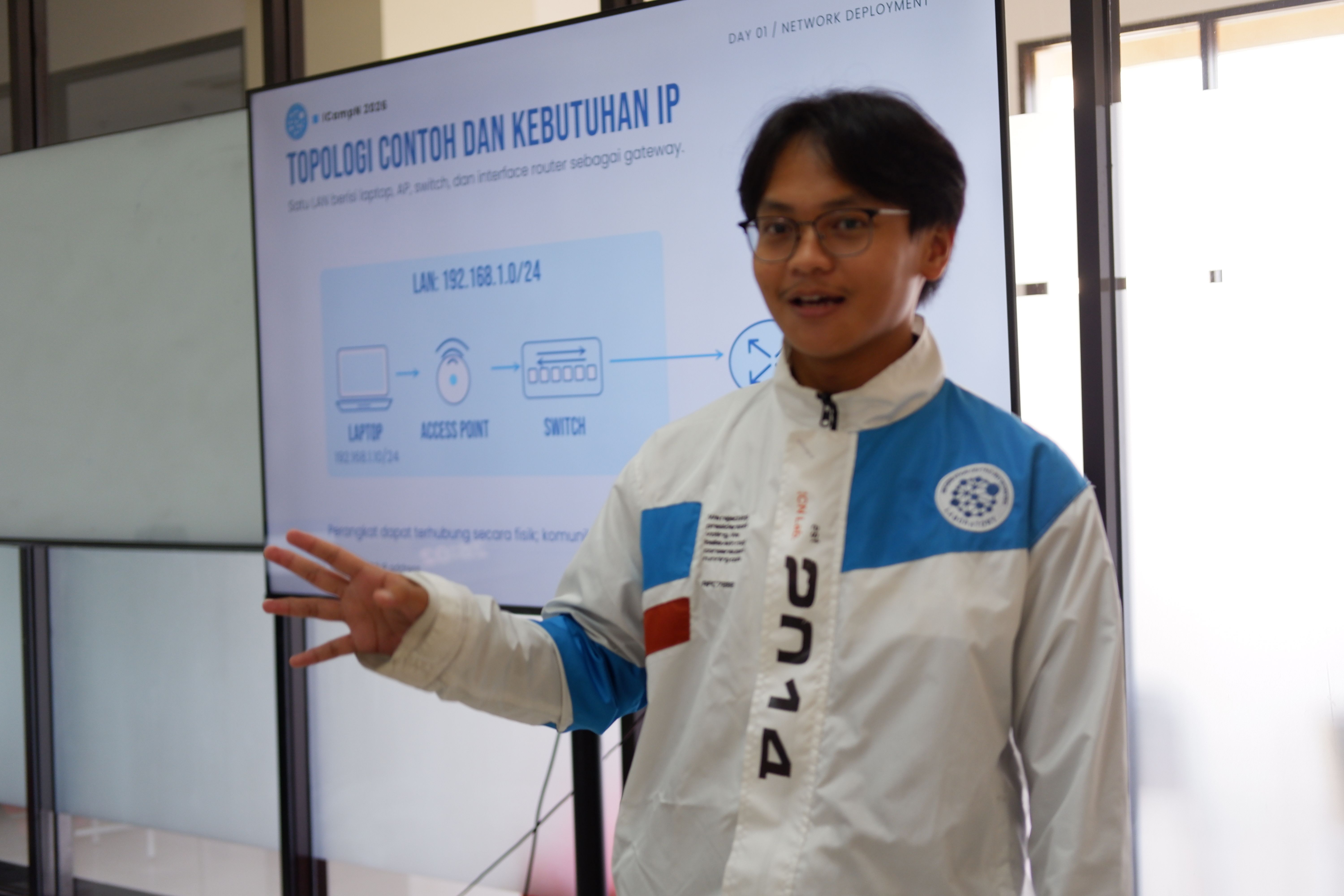
Ghazy's session followed the order in which a network is built: physical devices first, then IP addressing, then protocols and features.
The first part covered the roles of the access point, switch, and router, followed by a hands-on where participants crimped a crossover cable (T568A on one end, T568B on the other) and tested it with a cable tester.
The second part covered IPv4 addressing and subnetting, including private and public addresses, subnet masks, calculating network and broadcast addresses, and VLSM. The last part introduced the protocols and features used in the main hands-on.
Concepts covered on Day 1:
- UTP Cable Crimping (crossover)
- IP Addressing, Subnetting, and VLSM
- Virtual LAN (VLAN) and inter-VLAN routing
- Dynamic Host Configuration Protocol (DHCP)
- Network Address Translation (NAT)
- Device access via Console and SSH
- Open Shortest Path First (OSPF) Routing
- Access Point Configuration
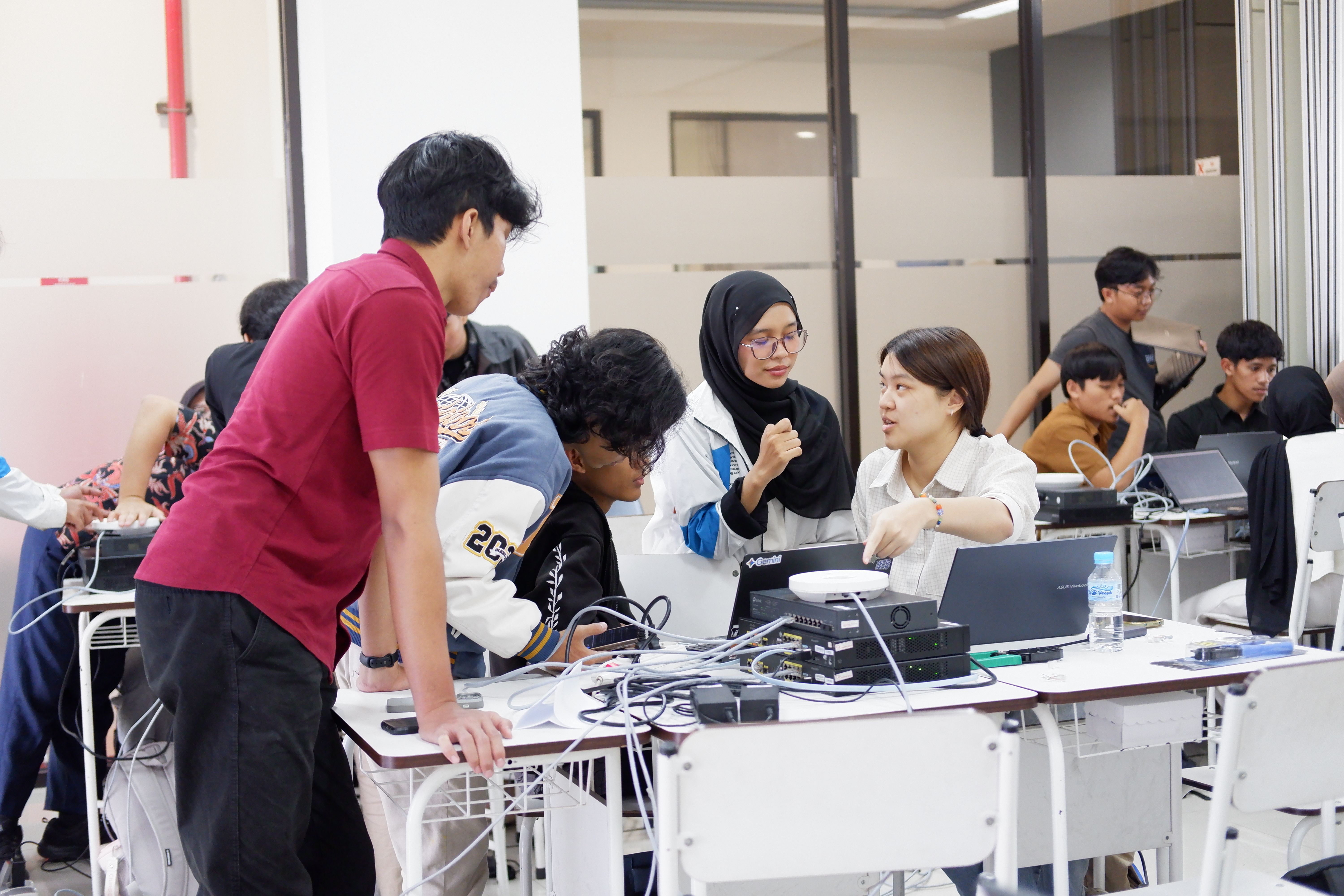
In the main hands-on, each group configured its own network on real devices: a Cisco ISR router connected to the lab's core network via OSPF, a second ISR providing DHCP and NAT for clients, a switch, and an access point with the group's own SSID. Each group also configured a server VLAN, which was used on Day 2 to host their virtual machines.
The TAs verified each group's result with three checks: links up, correct IP addressing, and end-to-end connectivity.
Day 2: Virtualization and IoT
Day 2 opeend with Sulthan introducing the basic concepts of virtual machines and containers. He covered how a hypervisor divides physical resources into multiple VMs, the difference between Type 1 and Type 2 hypervisors, and when to use a VM or a container.
In the first hands-on, each group created an Ubuntu Server VM in Proxmox, assigned it an IP address from the server VLAN configured on Day 1, and set up SSH key-based authentication. In the second hands-on, they installed Docker on the VM and deployed Mosquitto (MQTT broker) and Node-RED (flows and dashboards) as containers.
Iqbal then led the IoT session. The material covered the basic IoT architecture (sensor, microcontroller, actuator), ESP32 fundamentals, how MQTT publish/subscribe works, and how Node-RED visualizes incoming data. Participants used Bluino development boards, which come with an ESP32 and built-in sensors and actuators.
The hands-on consisted of two guided projects:
- Reading temperature and humidity from a DHT11 sensor, triggering a buzzer when values exceed a threshold, and displaying the data on a Node-RED dashboard
- Measuring distance with an ultrasonic sensor and triggering a buzzer when an object is closer than 20 cm
In both projects, the ESP32 connected through the group's access point and published data to the Mosquitto broker on the group's VM, so the network from Day 1 and the VM from Day 2 were both part of the system.
For the final session, each group built its own IoT project. The project was open-ended, as long as it was functional and addressed a realistic problem.
Lorem Ipsumm
Written by
Muhammad Abi Abdillah
Signed on
2026-10-22